On this page
§ Playgrounds Manual
Playgrounds are useful for trying out jsonx code snippets, sharing code, and learning jsonx.
- Edit, transpile, and play playground code in the browser.
- Share your playground with others.
§ Use
A playground is a programming environment where you can edit, transpile, and execute jsonx code.
To use a playground, let’s take a look at the parts that make up one playground: code editor, version dropdown, play button, share button, and console.

§ Code editor
The code editor is where you edit code. It is a TypeScript environment that comes with batteries-included for editing jsonx code.

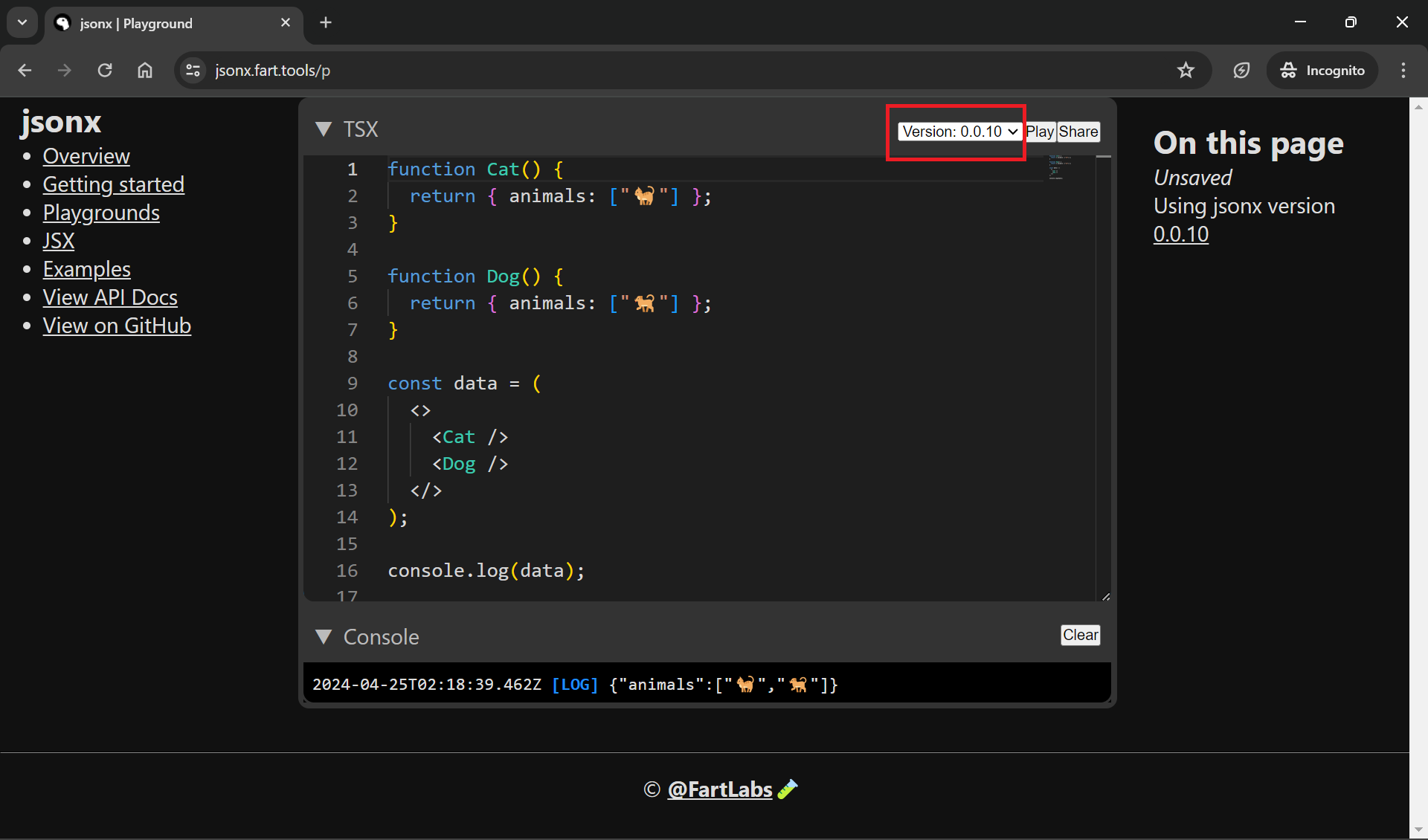
§ Version dropdown
The version dropdown allows you to select the version of jsonx you want to use. The default version is the latest stable version found on jsr.io.
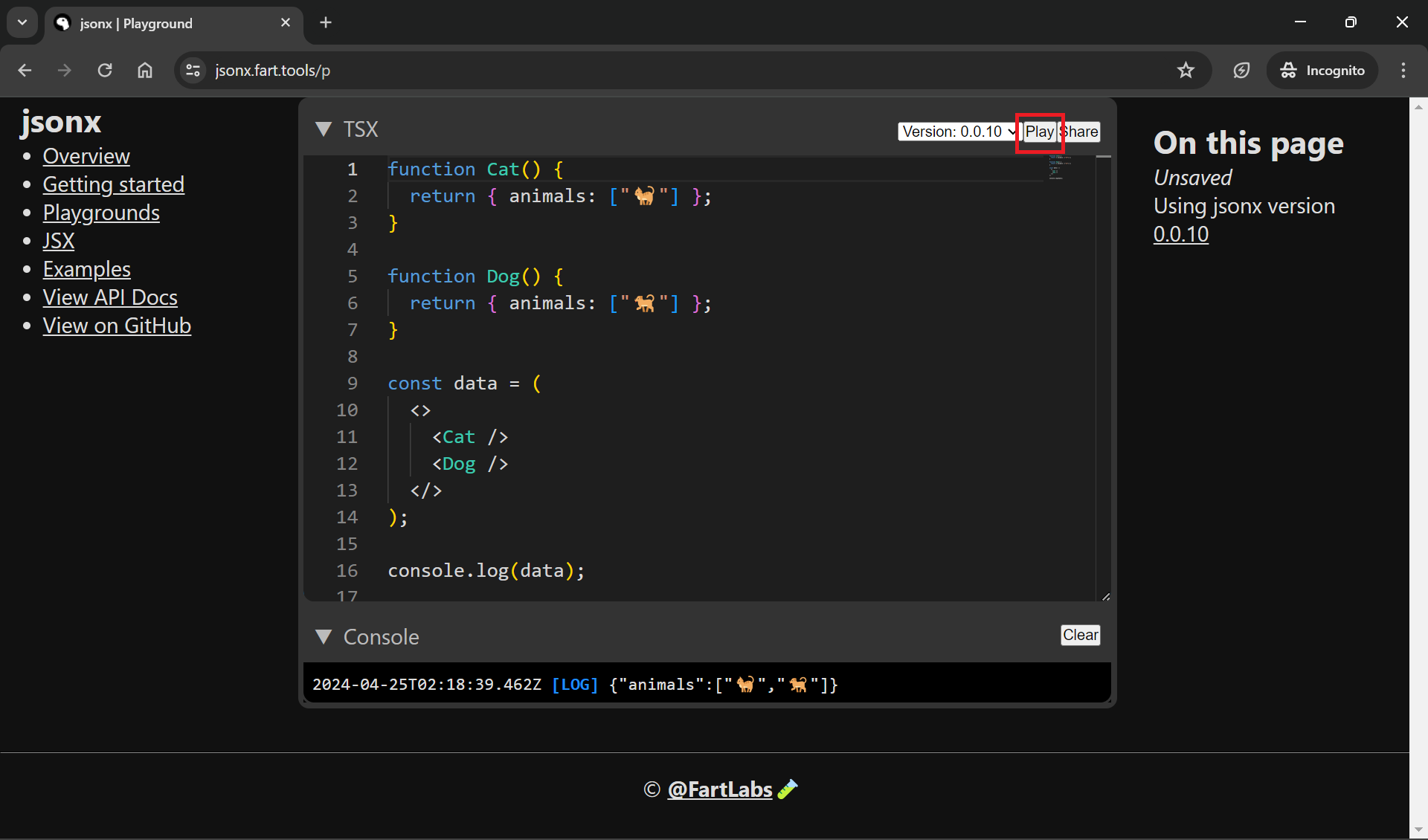
§ Play button
The play button transpiles and executes the code in the code editor. Output is displayed in the provided console.
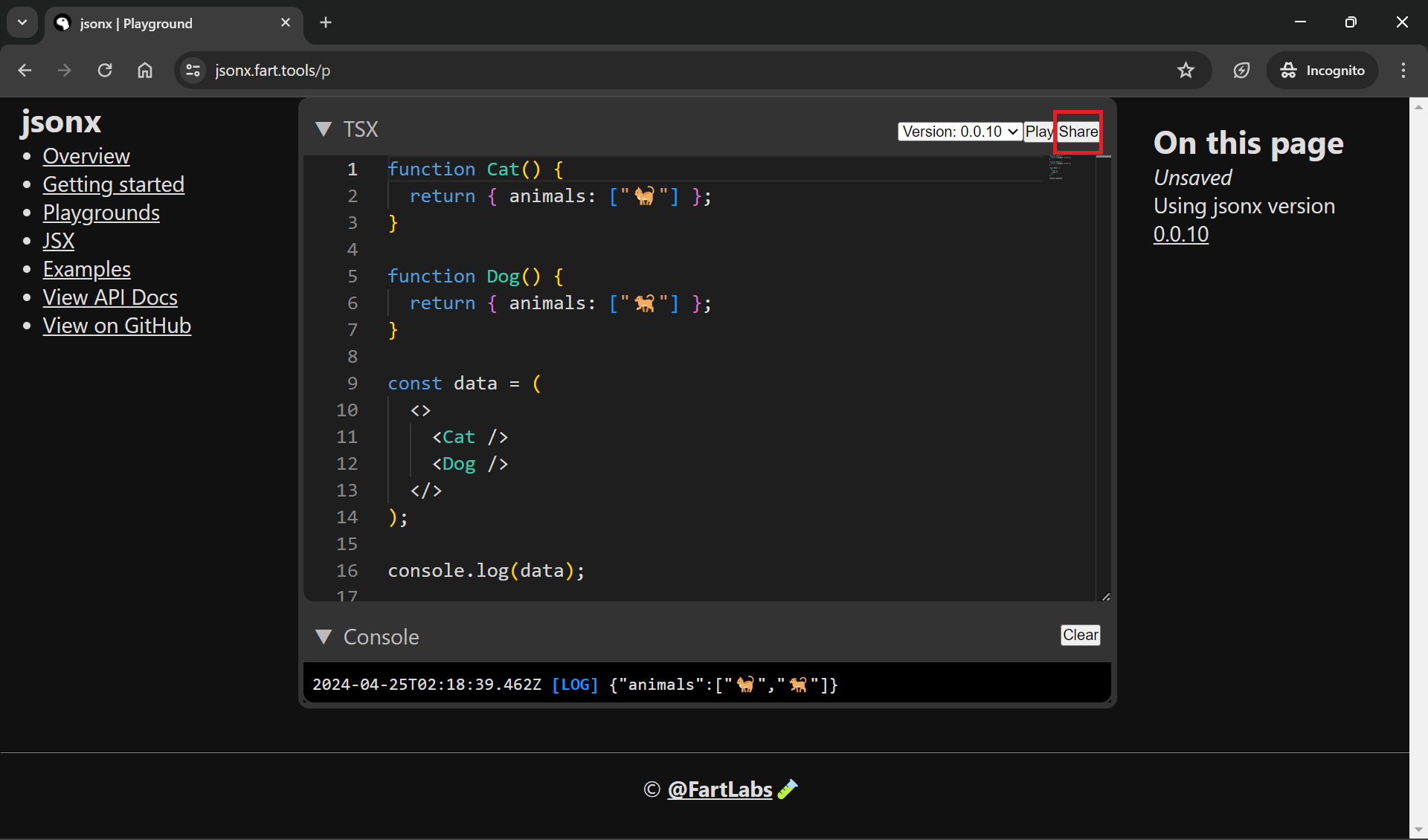
§ Share button
The share button generates a link to the playground and navigates the user to the new link. The link is unlisted (not indexed by search engines) and can be shared with others.
§ Console
The console displays the output of the code executed in the code editor.
The clear button clears the console.

§ Recovery and disposal
[!NOTE]
The “Recovery and Disposal” form will be coming soon.
Since playground links are unlisted, losing the link means losing the playground. In case you lose a playground, first check your browser history for the link. In case the playground is important and unrecoverable, you can use the form to file a ticket with the jsonx team so we can help you recover it. Similarly, if you have a playground exposing sensitive information, please file a ticket so we can remove it.